What kind of game

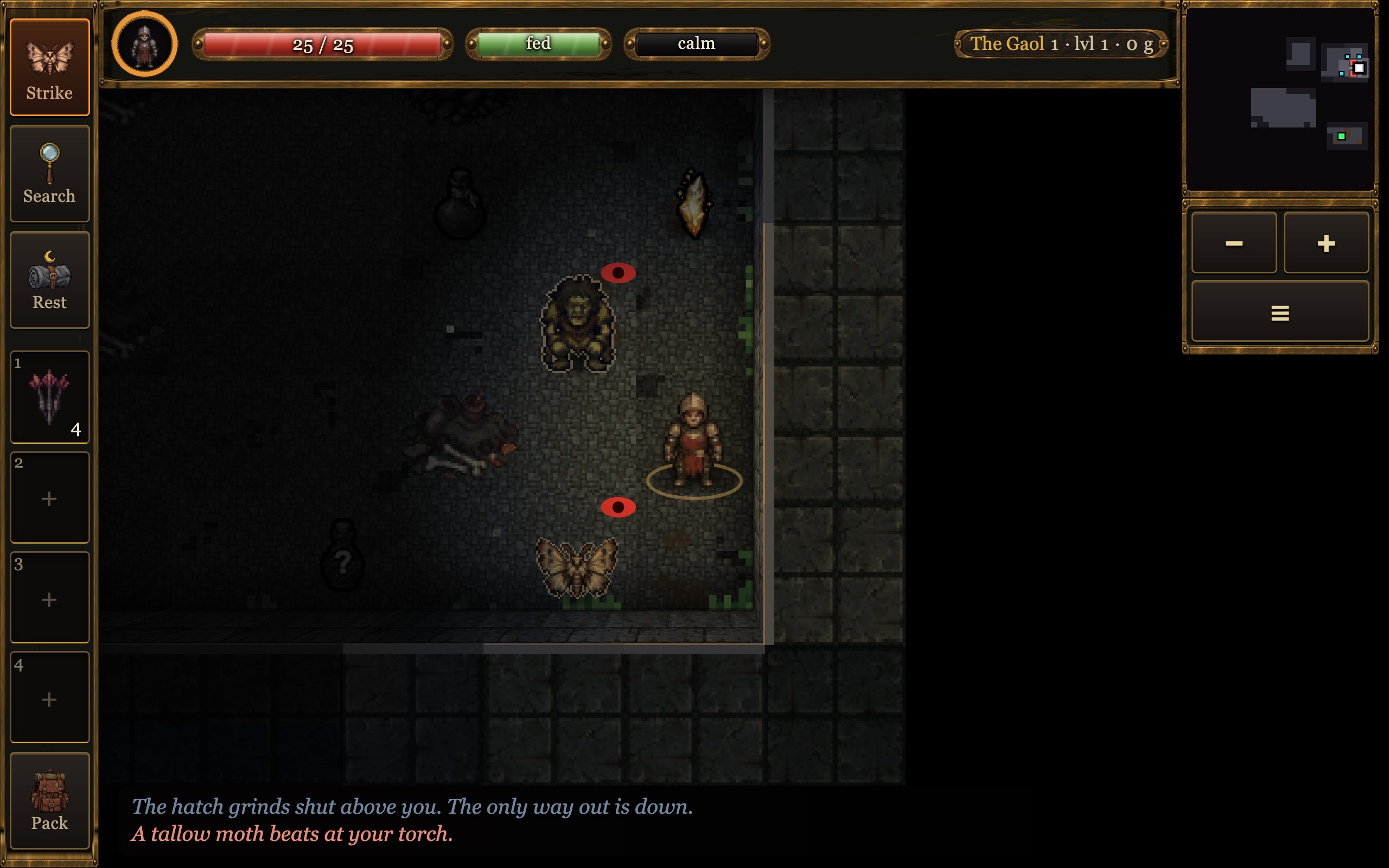
Your torch is your life
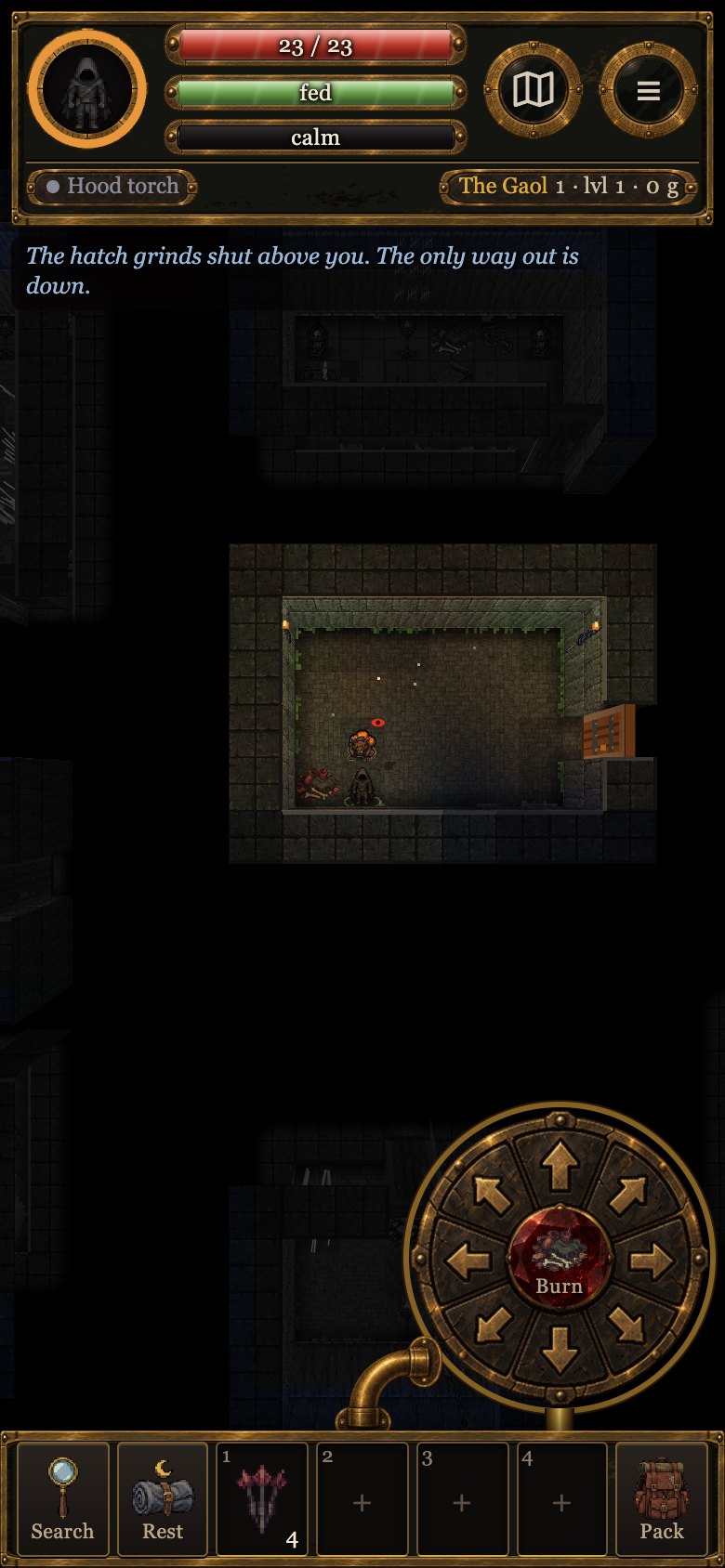
It burns oil, and you only see what is lit. Moths beat the flame down, robbers throw wet rags at it, and some things cannot move while your light is on them. When it goes out the world turns cold and blue, your own glow shrinks to a glimmer, and the dark can still see you.

A story under the dungeon
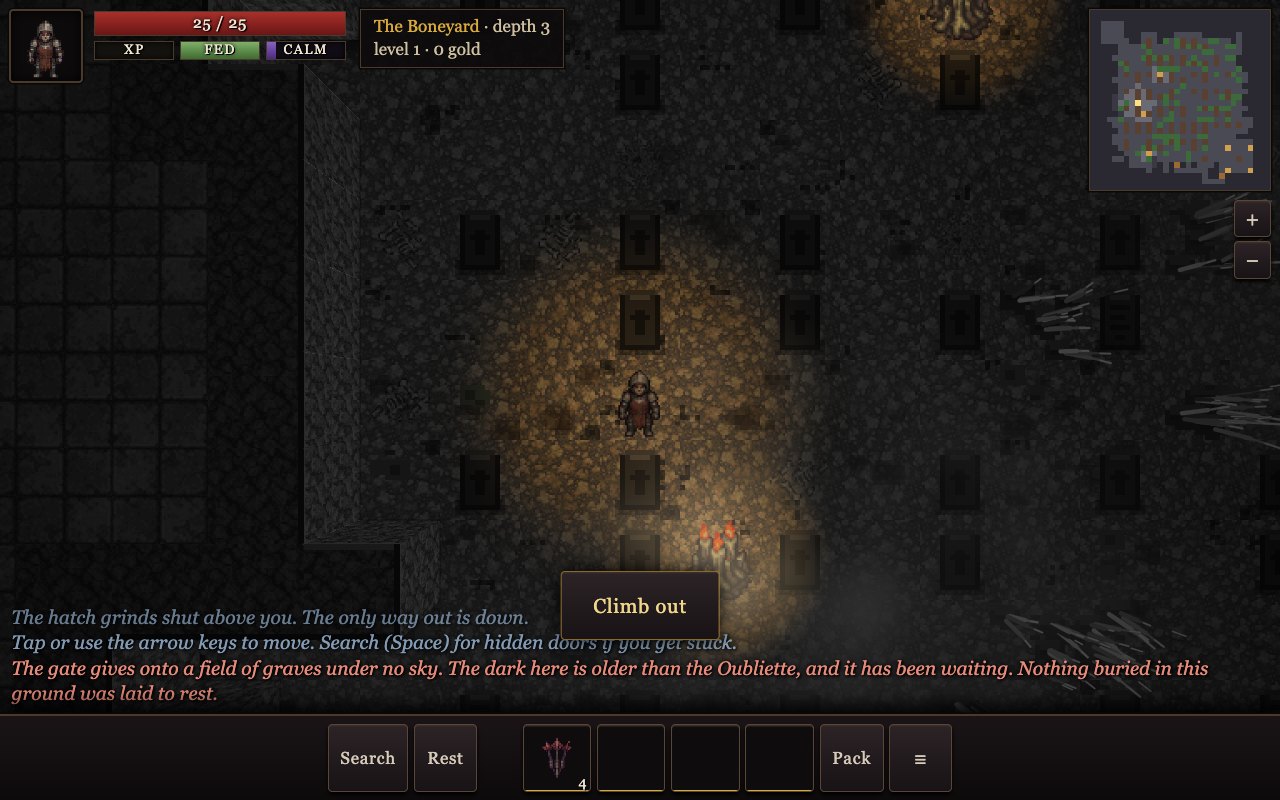
Twenty-five floors: the gaol, the catacombs, a buried street, the forge halls, the abyss. Each floor adds a page about the colony that dug too deep, the thing it woke, the house that has fed it ever since, and your own case.

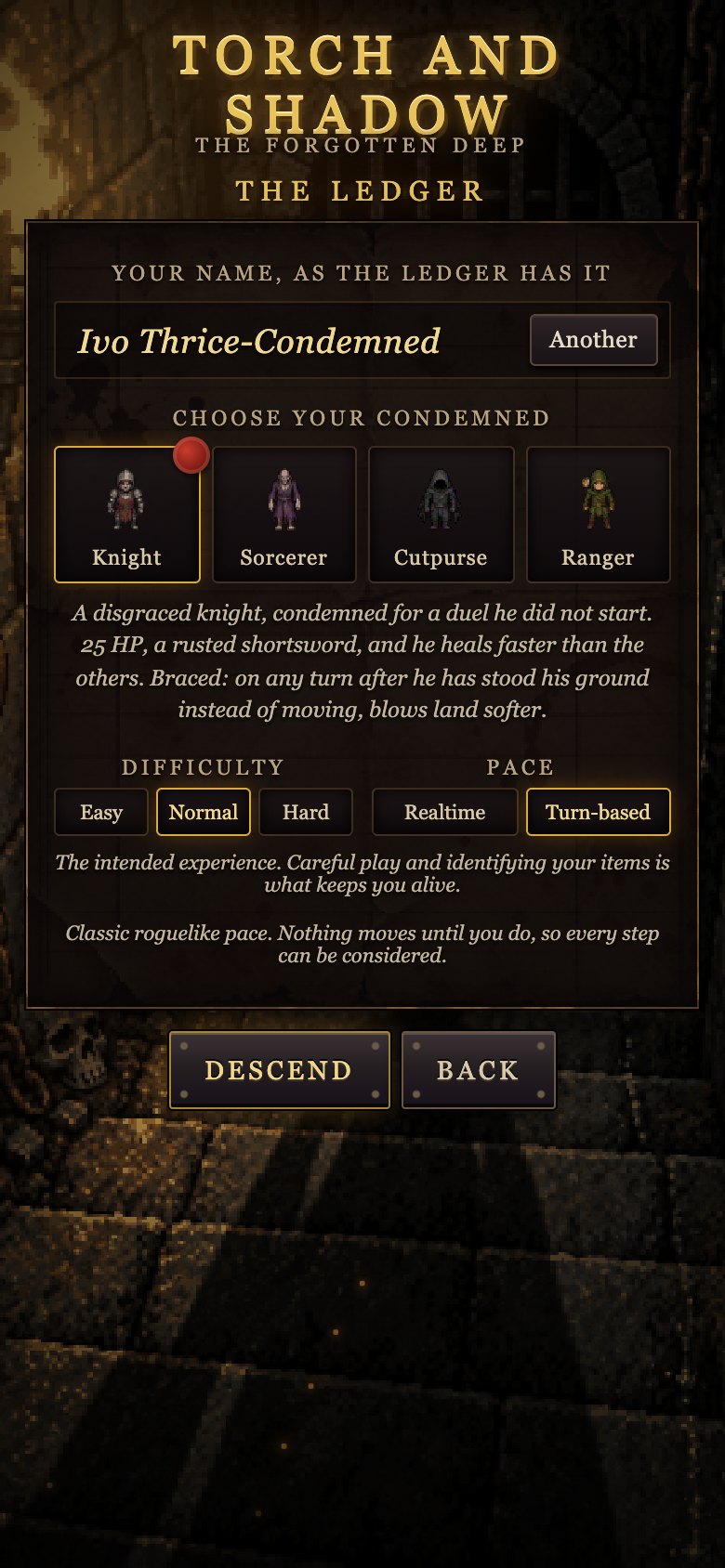
Turn-based or realtime
A classic roguelike where nothing moves until you do, or realtime with a joystick and an optional guard circle: time slows in a fight, blows come in as red shields, and your timing decides how much gets through.

Four of the condemned
A knight who braces when he holds his ground, a sorcerer who reads pages from memory, a cutpurse who hoods the torch to vanish, a ranger who senses what walks behind the wall.

Dread
The dark gathers on you: faster deep down, with the torch out, surrounded, beside graves and the markings painted on some floors. Past a point your aim and your feet suffer, and at the top you break and run, or faint where you stand. Light, altars and company bring it down.

Phone, desk, or a controller
Touch, keyboard, mouse, and any Bluetooth pad or the built-in controls of an Android handheld. It scales from a phone to a full-screen monitor, needs no connection once loaded, and every sound is synthesised on the spot.
Down there
Where to play
- In the browser, on any recent phone, tablet or computer. On iPhone and iPad, "Add to Home Screen" makes it a full-screen app.
- On Android, as a direct download (version 0.3.0, 7.8 MB): open the file on the phone and allow installing from this source when asked. Works on phones and on handhelds such as the Retroid Pocket and AYN Odin, with their controllers, and installs over an earlier copy.
- On a Mac, from the Mac App Store (macOS 12 or later, Apple silicon and Intel). Or as a direct download (version 0.3.0, 4.7 MB): unzip it and drag Shadow of Neverhill into Applications; the first time, right-click the app and choose Open (on macOS 15 and later, System Settings › Privacy & Security › Open Anyway).
- The app for iPhone and iPad is on its way to the App Store.
- On an iPhone or iPad without the App Store (sideload, version 0.3.0, 9.2 MB). The file is an unsigned app: a sideloading tool signs it with your own Apple ID and installs it over USB or Wi-Fi. With Sideloadly (Mac or Windows): plug the phone in, drop the .ipa on Sideloadly, enter your Apple ID and press Start. With AltStore: install AltStore on the phone, then open the .ipa from Files with AltStore. Then on the phone go to Settings › General › VPN & Device Management and trust your Apple ID. With a free Apple ID the app must be refreshed every 7 days (the tools do it for you); with a paid developer account it lasts a year. Your saves stay on the phone through refreshes.